| Return shipping will be paid by | Seller |
|---|---|
| All returns accepted | Returns Accepted |
| Item must be returned within | 30 Days |
| Refund will be given as | Money back or replacement (buyer's choice) |
| UPC | 194252818381 |
| Brand | Apple |
| Form Factor | In-Ear Only |
| Type | Canal Earbud (In Ear Canal) |
| Number of Earpieces | Double |
| Wireless Technology | Bluetooth |
| Color | White |
| Model | Apple AirPods 3rd Generation |
| Connectivity | Bluetooth |
| MPN | MME73AM/A |
| Features | Speech-detecting accelerometer |
| Microphone Type | Built-In |
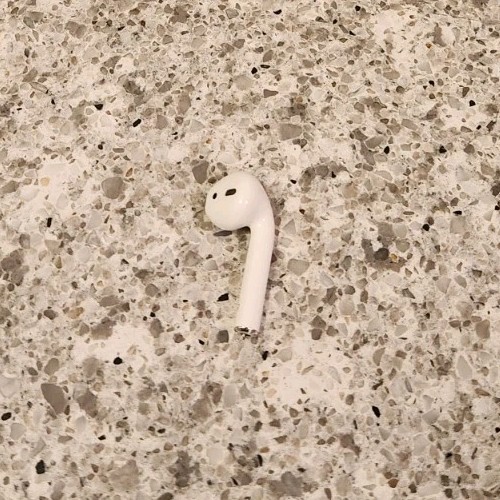
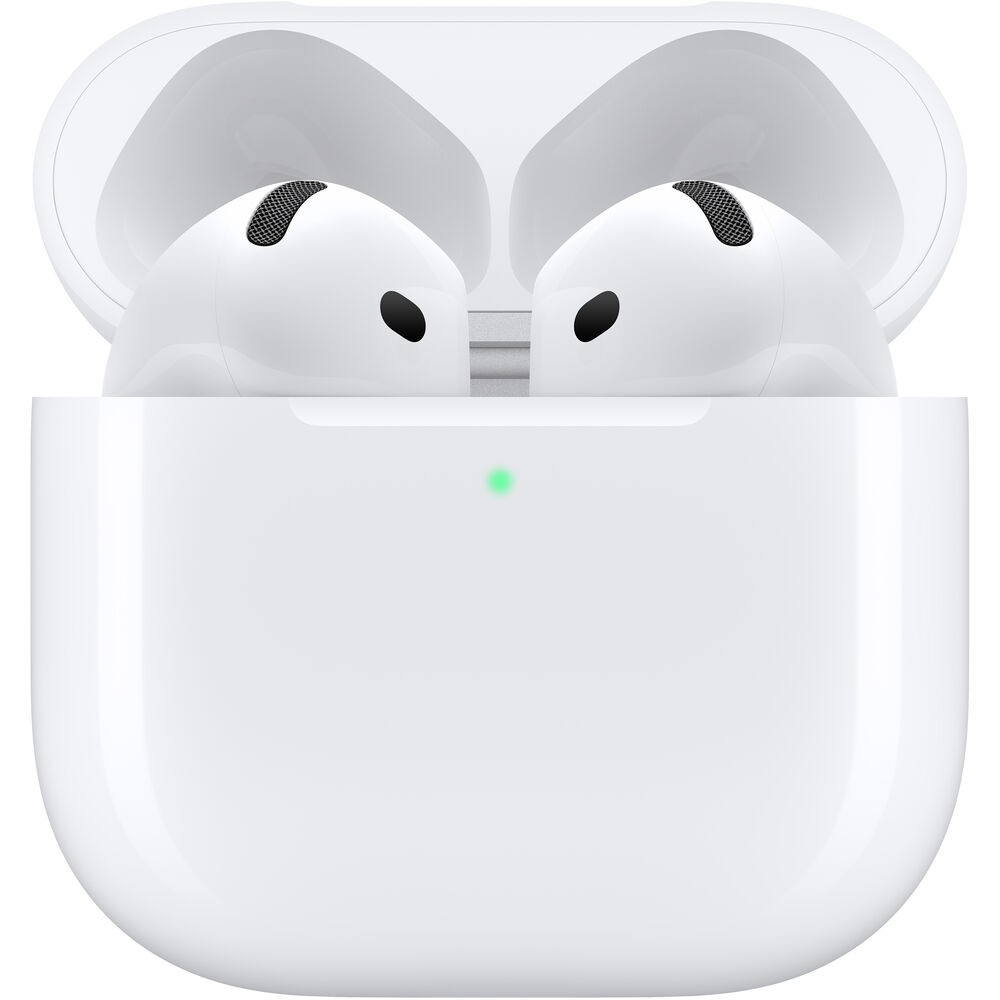
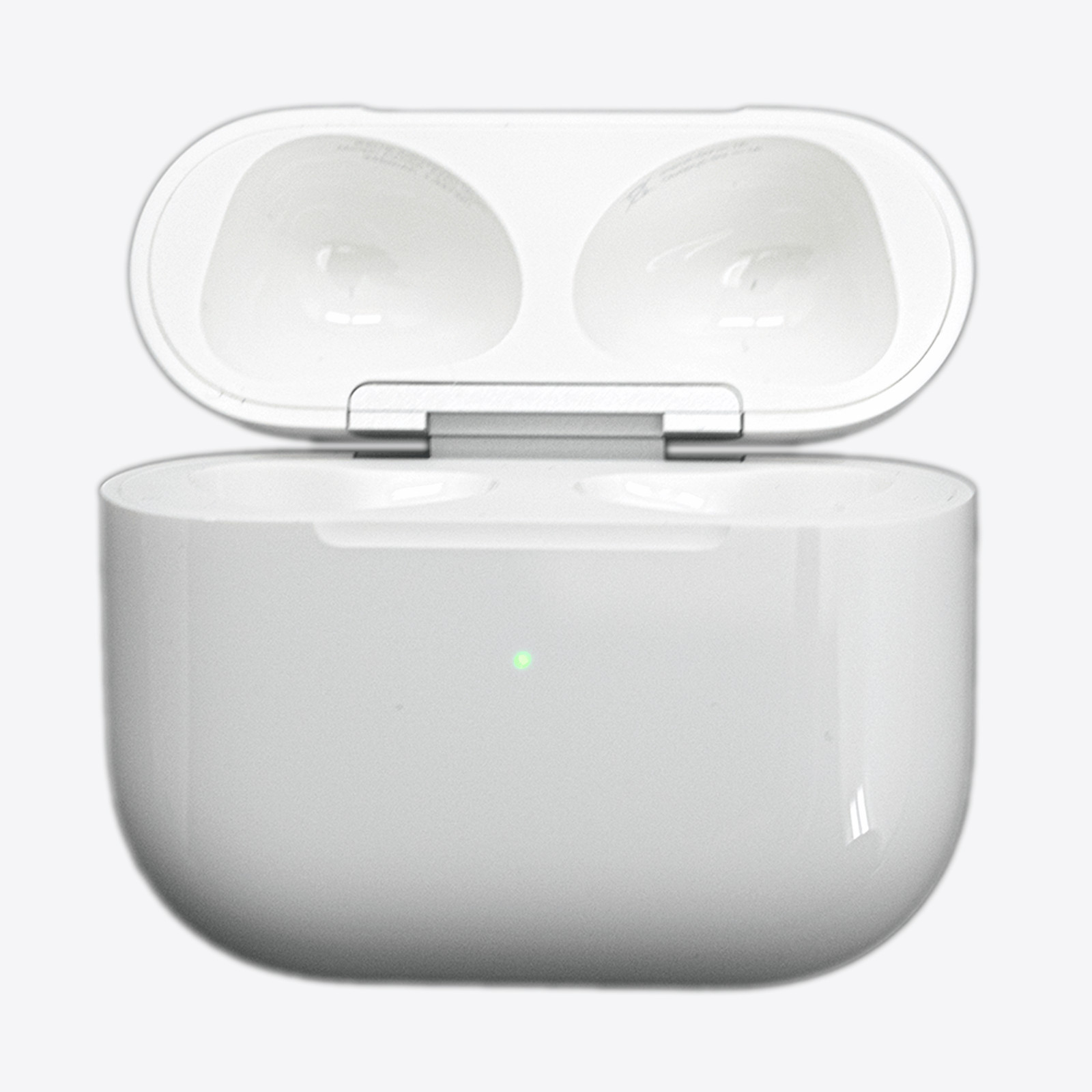
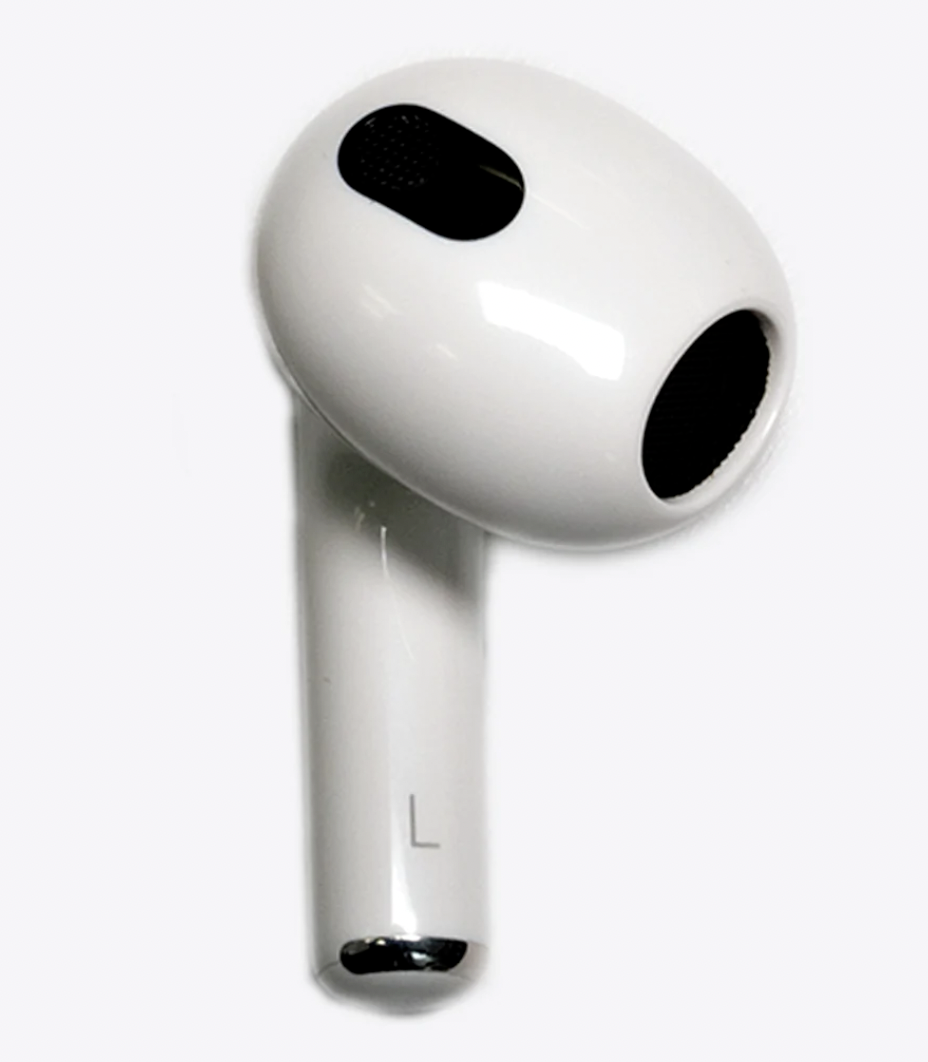
Check the listing for details. Apple AirPods 3rd Generation Replacement Earbud Right Left Ear A2565 part. Color: White, Condition: Open box. Listed at 14.99 USD. Apple AirPods 3rd Generation Replacement Earbud Right Left Ear A2565 part FREE FAST SHIPPING !!! Overview✅100% Genuine Apple.✅Tested, sanitized, and verified for authenticity.✅Condition: Used Like New✅Pulled from open box returns from major retailers who sell Authentic Airpods.✅Fully Functional. Each unit is tested prior to shipping.✅3-5 Business USPS First Class Shipping. This listing is for a replacement 3RD Generation Right & Left AirPod. Does NOT come with ear tips due to sanitation reasons but you can buy them for less than $4 online. LISTING IS NOT FOR A FULL SET unless you choose to purchase the left side & right side. Select the side you would like to purchase from the dropdown menu at the top. You can purchase the Left AirPod, Right AirPod, or both. We keep track of all serial numbers of the AirPods we ship. Any fraudulent returns will be reported and case will be filled. Sync Instructions Place both Airpods in your charging case, and charge for at least 1 hour through a wall outlet.Open the lid of the charging case and verify the light is flashing amber.Press and hold the setup button on the Airpod for 5 to 30 seconds. The light should flash white. If still flashing amber, continue to charge for another 30 minutes, then attempt this step again until flashing white.Open the case, and with your Airpods both inserted into the charging case still, hold it next to your phone(phone needs to be unlocked) and wait for the setup animation. Select connect, and tap done. If This process does not work, delete your bluetooth listings of any Airpods, and attempt the above steps again.
You may also like