| Return shipping will be paid by | Buyer |
|---|---|
| All returns accepted | Returns Accepted |
| Item must be returned within | 30 Days |
| Refund will be given as | Money Back |
| Brand | Apple |
| Form Factor | In-Ear Only |
| Type | Canal Earbud (In Ear Canal) |
| Number of Earpieces | Double |
| Wireless Technology | Bluetooth |
| Color | White |
| Model | Apple AirPods Pro |
| Connectivity | Bluetooth |
| MPN | MQD83AM/A |
| Features | Active Noise Cancellation |
| Microphone Type | Built-In |
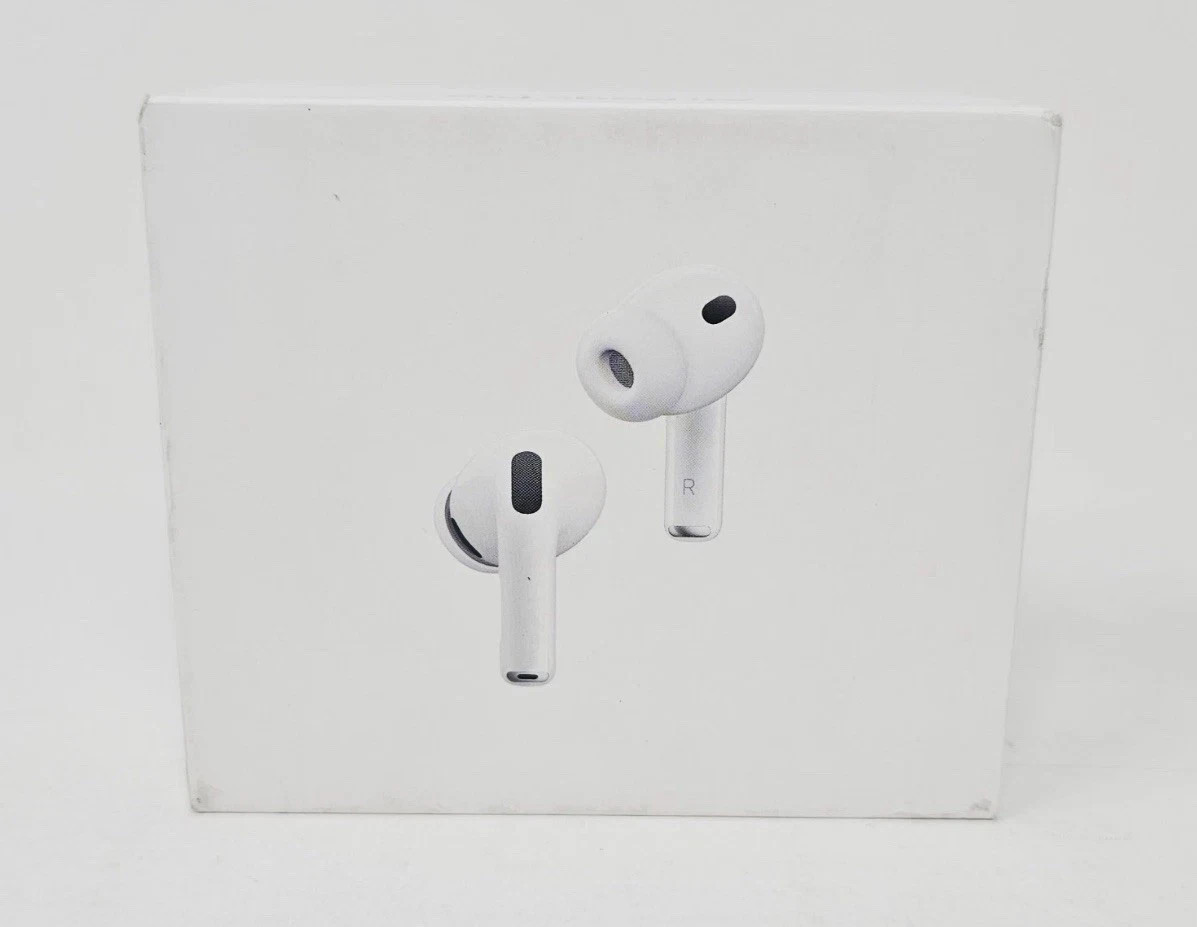
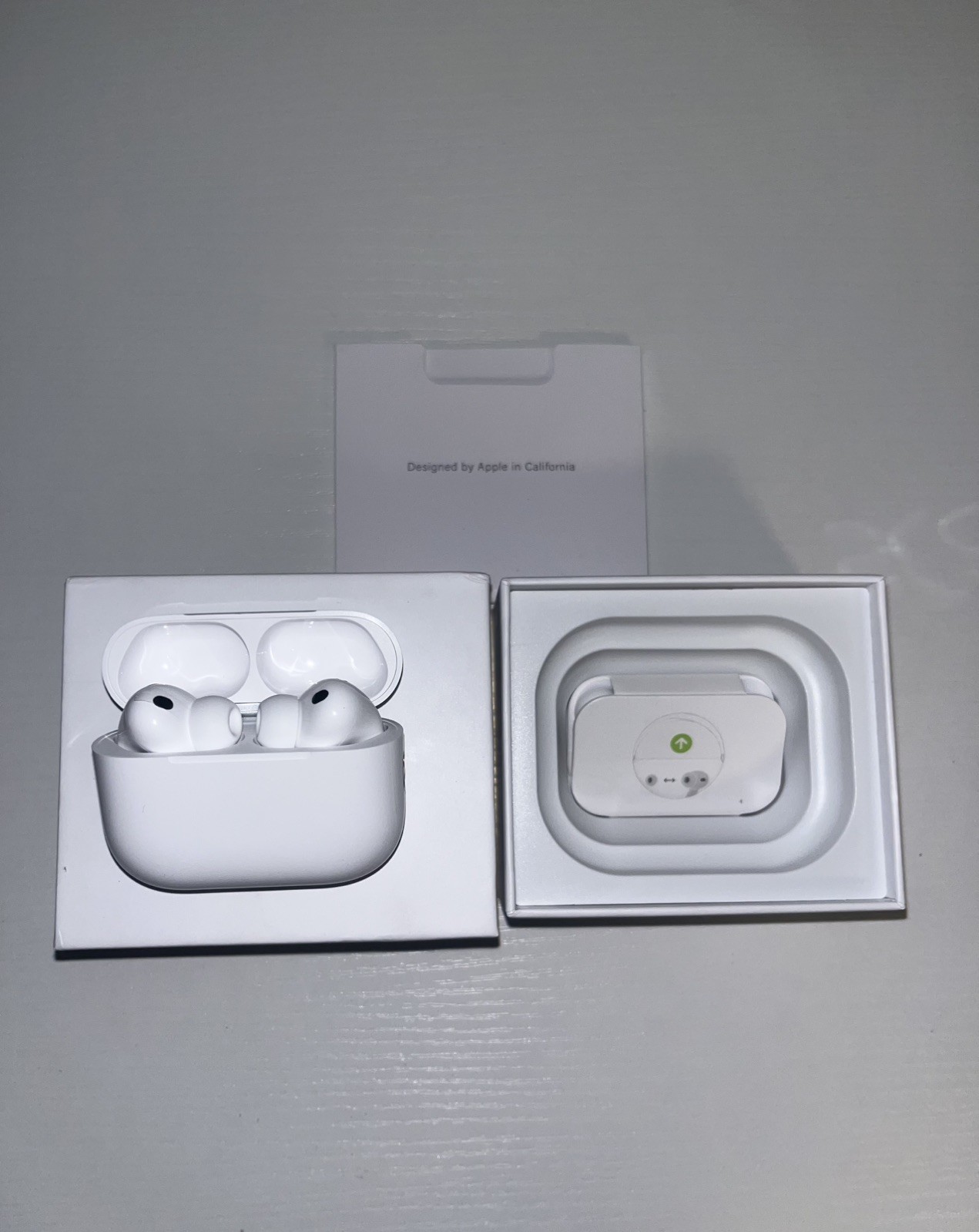
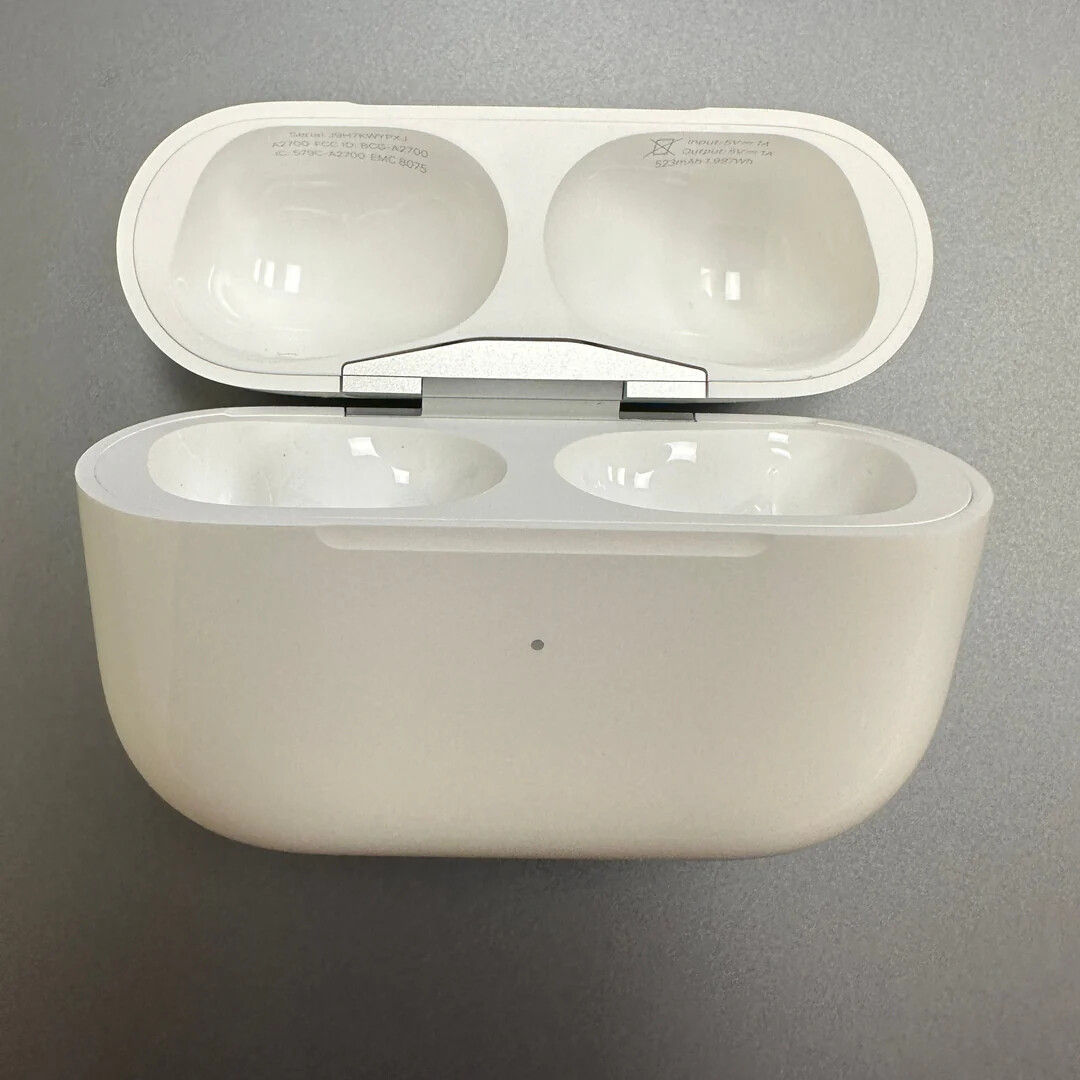
Check the listing for details. Apple AirPods Pro Replacement Charging Case (2nd Generation) - Lightning & USB-C. Color: White, Condition: Used. Listed at 39.99 USD. Lightly used Apple AirPods Pro (2nd Generation) replacement charging case only. Please select either Lightning or USB-C version. No other items are included.Product DetailsCompatible with only 2nd generation AirPods ProUSB-C case is compatible with all versions of 2nd generation AirPods Pro100% original Apple AirPods Pro (2nd Generation) Charging CaseLightly used, but fully cleaned, tested and sanitizedSetupReplacement will arrive with printed pairing instructions in the package. You'll have your set back together in no time! You can also follow along to our instructions below: Unpair your original set. Go to Settings -> Bluetooth -> click “info” icon next to device -> click “Forget This Device”.Place both the left pod and the right pod in the case, close the lid.Connect the charging case to a power source and charge for 30 minutes or until you see a solid green or white light when lifting the lid up.Remove cable and open the lid. Press and hold the pairing button on the back of the case until the light flashes white.If a setup animation appears, you have successfully paired your AirPods. If a setup animation does not appear after 10 seconds, then close and reopen the lid. Repeat the process from step 1.
You may also like