| All returns accepted | ReturnsNotAccepted |
|---|---|
| Custom Bundle | Yes |
| Color | Black |
| Keyboard Layout | QWERTY (Standard) |
| Material | PLASTIC |
| MPN | KU0225 |
| Item Length | 19.00" |
| Brand | IBM |
| Type | Standard |
| Manufacturer Warranty | NONE |
| Item Height | 1'-1.5" |
| Model | KB-0225 |
| Connectivity | Wired |
| Features | Keyboard |
| Country/Region of Manufacture | China |
| Item Width | 8-10" |
| Keyboard Language | English |
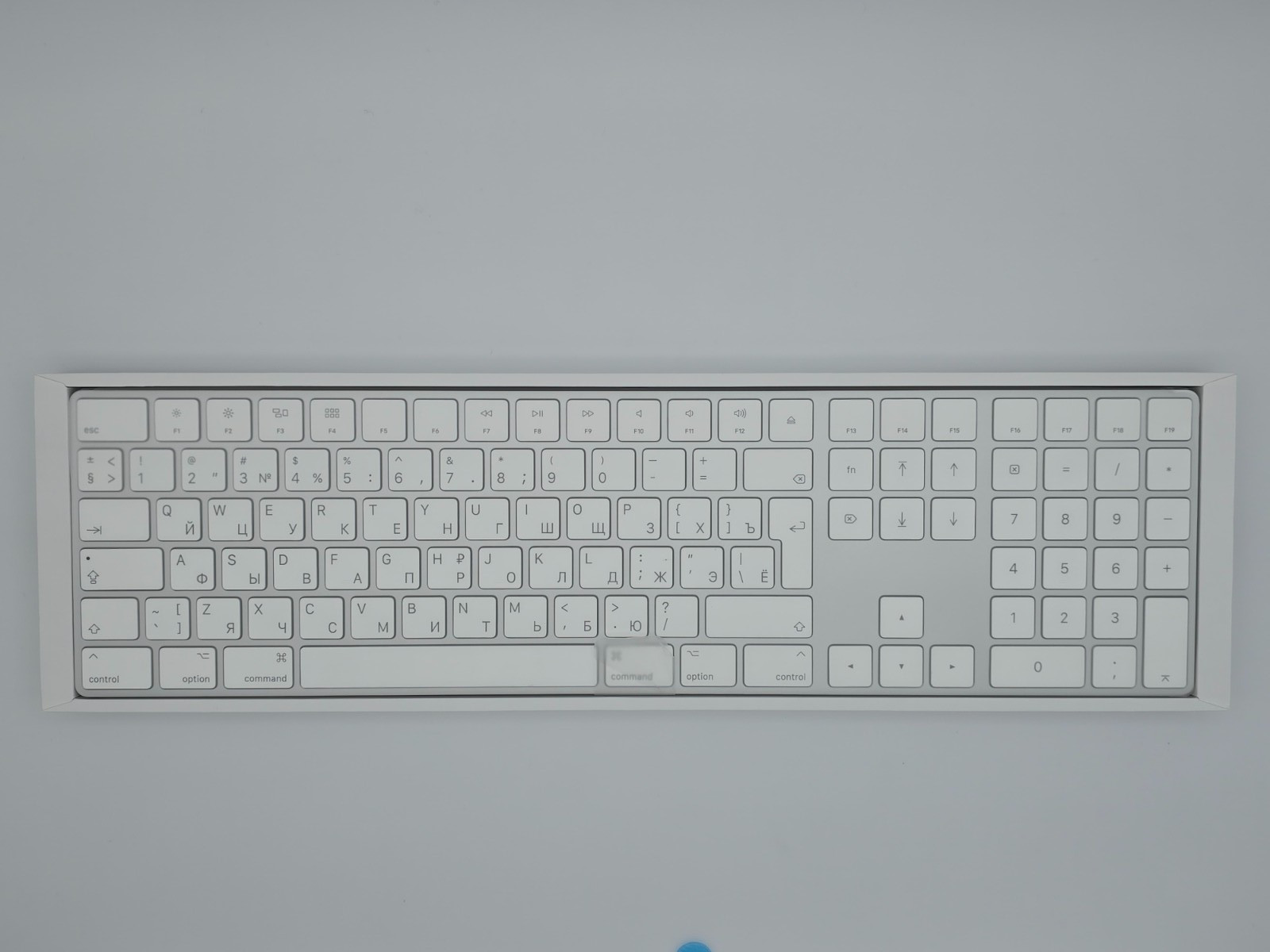
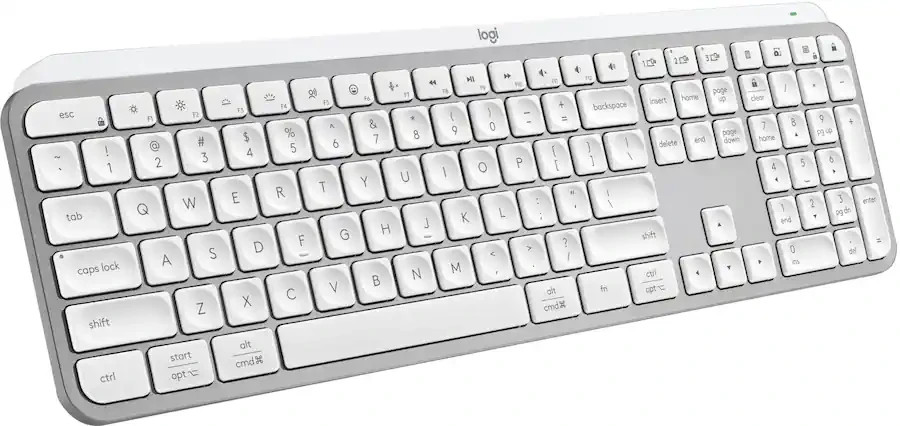
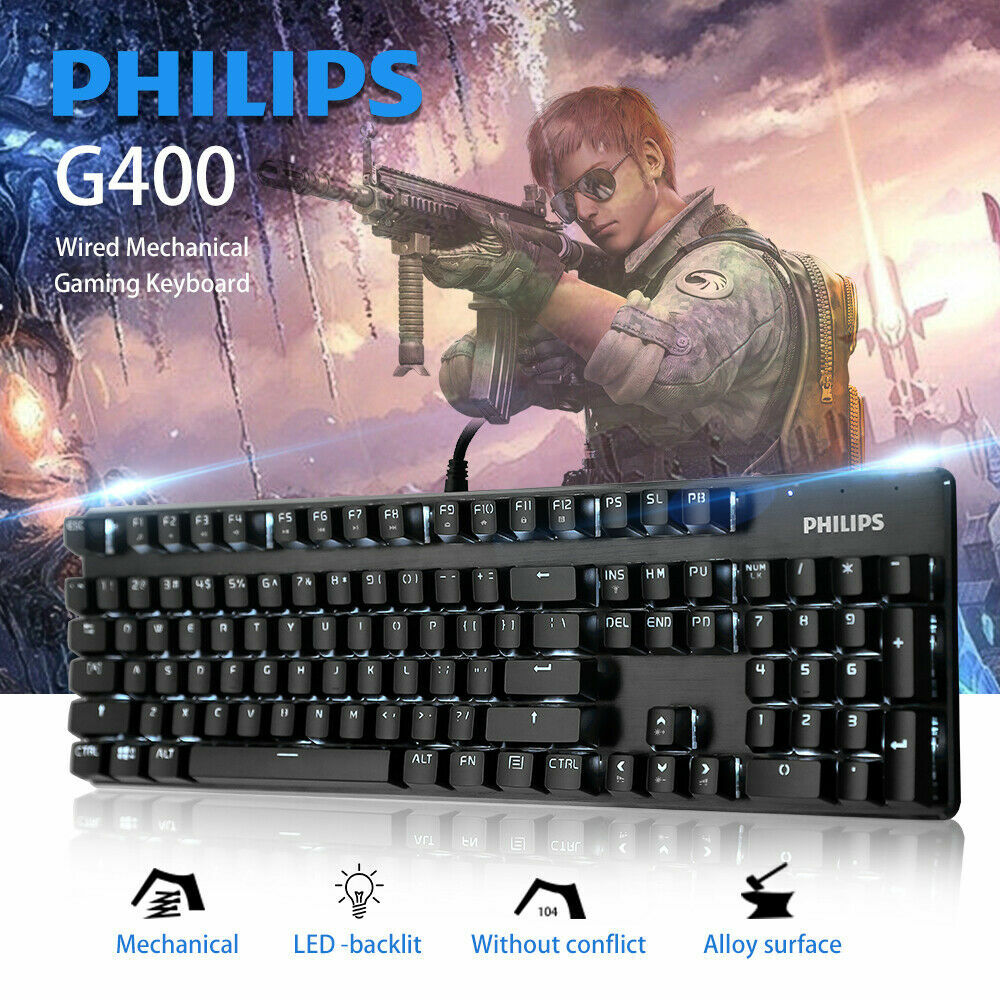
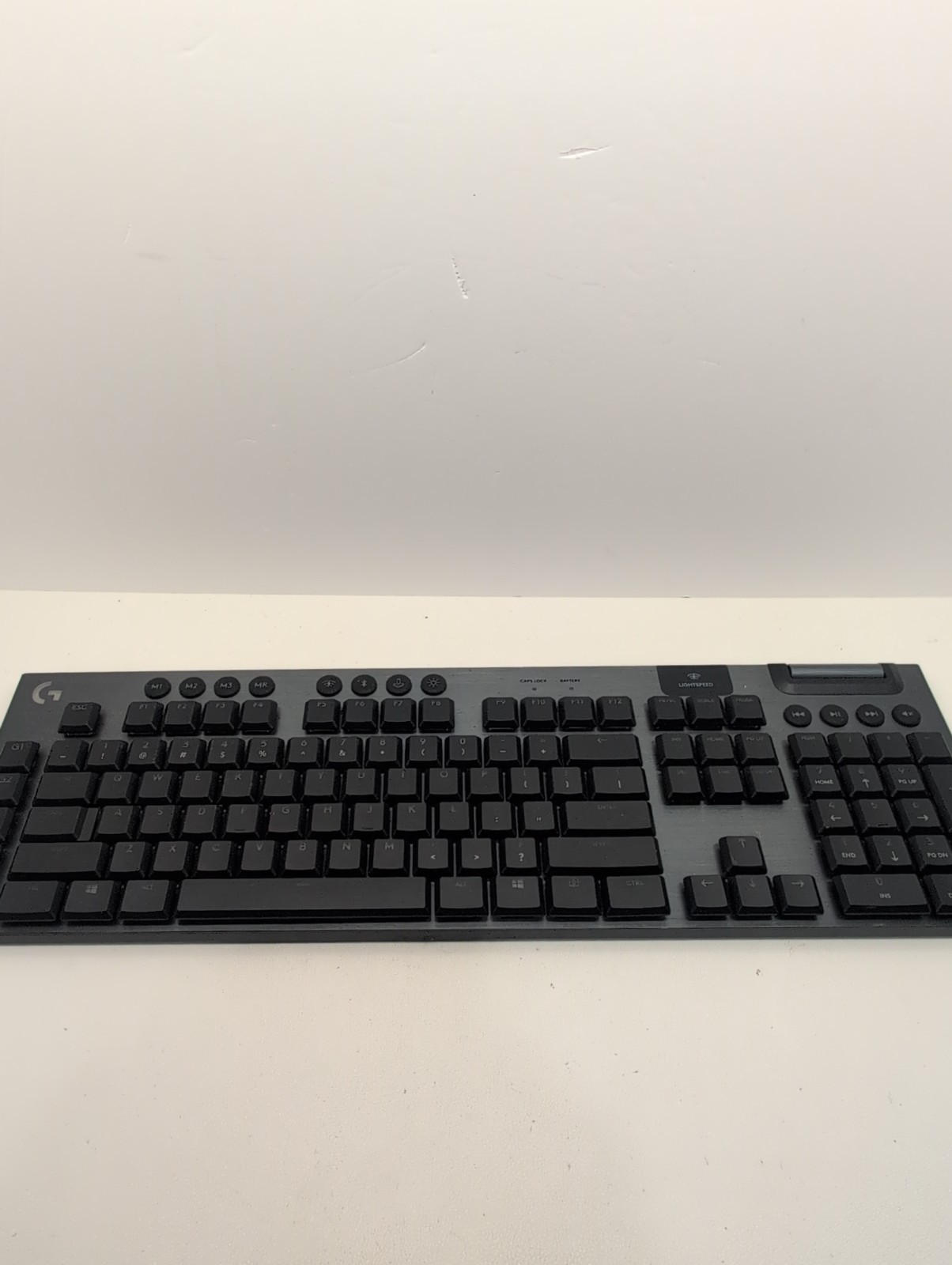
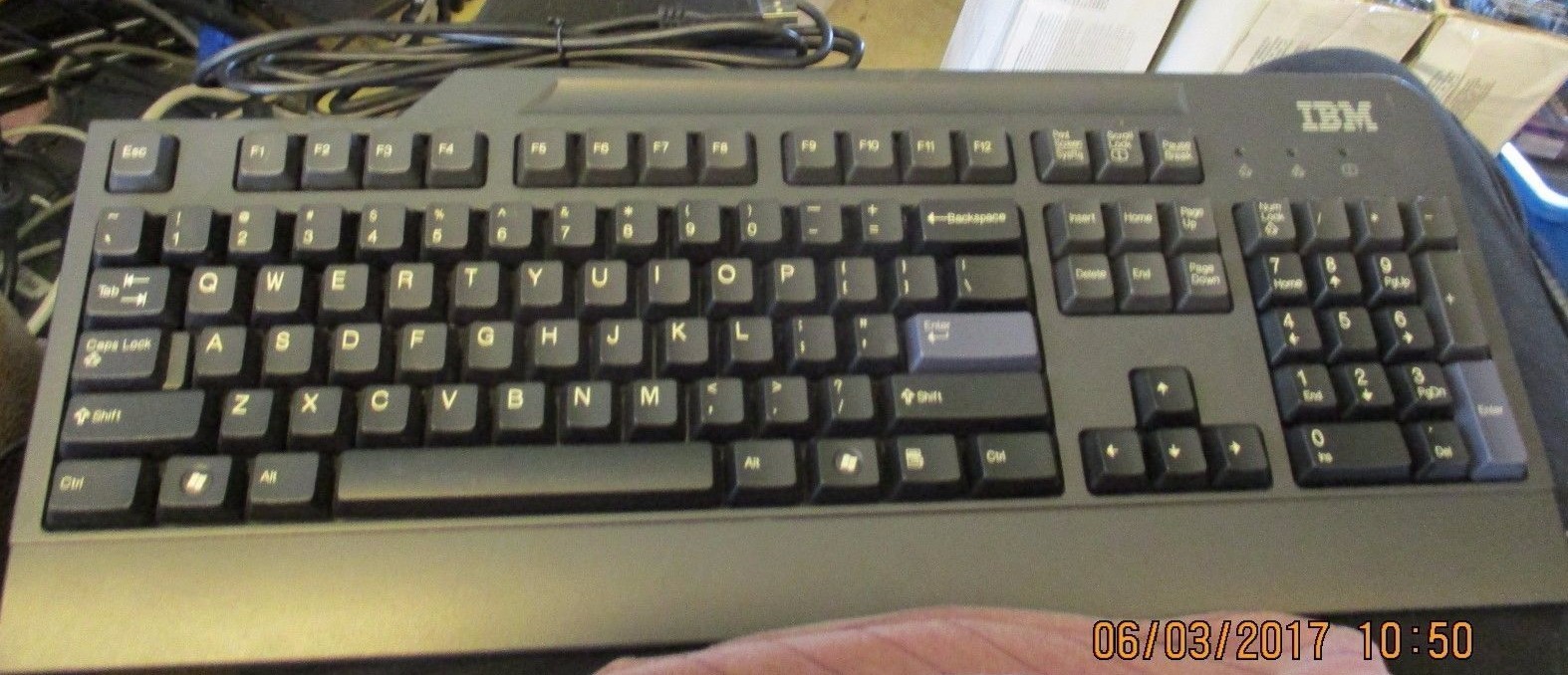
Check the listing for details. IBM THINKCENTRE PREFERRED PRO KB-0225, PS/2 KEYBOARD BLACK , GREY. Color: Black, Condition: Used. Listed at 9.95 USD. If you are looking for a simple, traditional keyboard with a solid, mechanical feel, you are in luck, because the Lenovo Preferred Pro wired USB keyboard features a detachable rubberized palm rest, adjustable tilt, and a long cable for increased flexibility and comfort. Using a plug-in keyboard means not having to remember to change the batteries or worrying about momentary lapses in connectivity. A solid construction houses 104 relatively quiet keys, including three Windows keys, but no “bells and whistles” to get in the way of basic workflow. The two Enter keys are grey and stand out slightly against the otherwise black keyboard. The Lenovo Preferred wired keyboard is an excellent match for ThinkCentre systems, and it is compatible with ThinkPad systems with or without docking solutions.If you are looking for a simple, traditional keyboard with a solid, mechanical feel, you are in luck, because the Lenovo Preferred Pro wired USB keyboard features a detachable rubberized palm rest, adjustable tilt, and a long cable for increased flexibility and comfort. Using a plug-in keyboard means not having to remember to change the batteries or worrying about momentary lapses in connectivity. A solid construction houses 104 relatively quiet keys, including three Windows keys, but no “bells and whistles” to get in the way of basic workflow. The two Enter keys are grey and stand out slightly against the otherwise black keyboard. The Lenovo Preferred wired keyboard is an excellent match for ThinkCentre systems, and it is compatible with ThinkPad systems with or without docking solutions.If you are looking for a simple, traditional keyboard with a solid, mechanical feel, you are in luck, because the Lenovo Preferred Pro wired USB keyboard features a detachable rubberized palm rest, adjustable tilt, and a long cable for increased flexibility and comfort. Using a plug-in keyboard means not having to remember to change the batteries or worrying about momentary lapses in connectivity. A solid construction houses 104 relatively quiet keys, including three Windows keys, but no “bells and whistles” to get in the way of basic workflow. The two Enter keys are grey and stand out slightly against the otherwise black keyboard. The Lenovo Preferred wired keyboard is an excellent match for ThinkCentre systems, and it is compatible with ThinkPad systems with or without docking solutions.If you are looking for a simple, traditional keyboard with a solid, mechanical feel, you are in luck, because the Lenovo Preferred Pro wired USB keyboard features a detachable rubberized palm rest, adjustable tilt, and a long cable for increased flexibility and comfort. Using a plug-in keyboard means not having to remember to change the batteries or worrying about momentary lapses in connectivity. A solid construction houses 104 relatively quiet keys, including three Windows keys, but no “bells and whistles” to get in the way of basic workflow. The two Enter keys are grey and stand out slightly against the otherwise black keyboard. The Lenovo Preferred wired keyboard is an excellent match for ThinkCentre systems, and it is compatible with ThinkPad systems with or without docking solutions.
You may also like