| All returns accepted | ReturnsNotAccepted |
|---|---|
| For Instrument | Module |
| Brand | Korg |
| Number of Keys | 0 |
| Instrument | Rack |
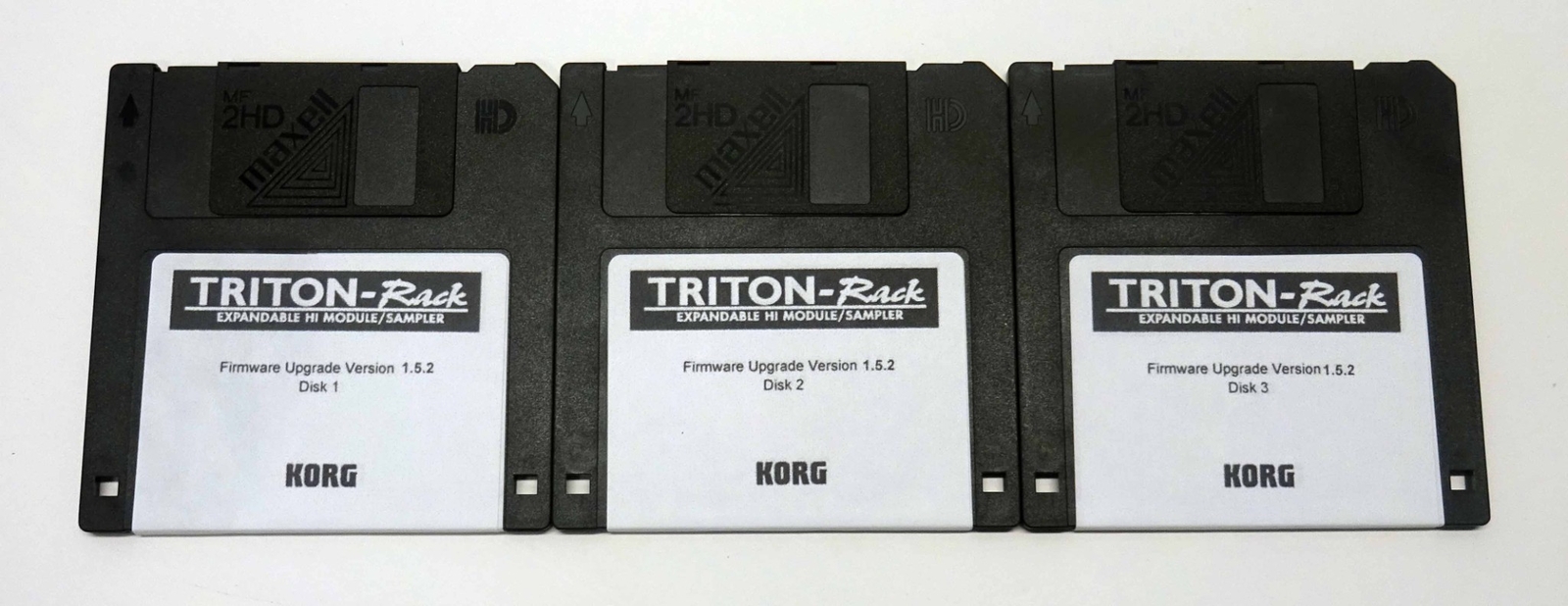
Check the listing for details. Korg Triton Rack OS Update Version 1.5.2 (Newest). Condition: New. Listed at 11.50 USD. This is the newest OS version 1.5.2 for your Korg Triton Rack. How to Update Triton System Software 1. Hold down the ENTER and WRITE buttons while turning on the Triton-Rack. The display will show Please insert boot disk . 2. Insert System Boot Disk #1 of the 1.5 OS version into the drive. 3. New System Software installation will begin at this point. DO NOT INTERRUPT THE POWER WHILE THE SYSTEM IS BEING UPDATED! 4. During installation the following messages will appear: - Now loading IPL - Now erasing ROM - Checking system s checksum 5. Shortly, you will be prompted with please change to a No.002 disk 6. Eject Disk 1 and insert System Boot Disk No. 2 into the drive. When it finishes loading you will be prompted for the third and final disk. 7. When the following messages appear, installation has been completed successfully and the Triton will restart automatically: - Checking the systems check sum - System load was completed 8. Enjoy your new System Software!
You may also like